
开始使用您的产品
支持资源
文件

 丹麦语
丹麦语 德语
德语 西班牙语
西班牙语 法语
法语 日语
日语 挪威语
挪威语 荷兰语
荷兰语 简体中文
简体中文常见问题
最新版本说明
发布日期:
十月份 20, 2026发布版本:5.12.0-43New features:
- Added Portuguese language support
Updated:
- Exposure of the NCM network adapter over USB is now disabled by default. o To enable it, establish a network connection with the device via Ethernet or Wifi network, access to the device via its WebConsole and browse to Network>USB to enable the feature.
- Audio: Clearer conversations thanks to AI-based echo cancellation and better handling when people talk at the same time (double-talk).
- Noise suppression levels renamed to reflect the following: “Standard” & “Enhanced”
o The possibility to connect over USB is then enabled but active only when the device does not have any other network connectivity (unplug the ethernet cable or disconnect from the WiFi to use WebConsole over USB).Fixed:
- Fixed an issue where network proxy settings were lost after a reboot on devices updated from older firmware.
- Fixed an incorrect time zone for Mexico City.
发布日期:
八月 03, 2026发布版本:4.2.0-20New features:
-
Web Console access over USB when no network is available — connect the device to your laptop and browse to https://jabra-ui.local
-
Support for Airtame - local casting and digital signage
-
Configurable default screen for the room monitor when no cable is connected: choose from predefined USB-C/HDMI cable-connection instructions or upload a custom wallpaper
-
Available when Jabra is the selected service provider
-
For custom wallpaper, a 16:9 image (1920 × 1080 recommended), up to 10 MB, in JPG or PNG format for best results
-
-
People Count support for Jabra Plus desktop application
Updated:
-
Several Web Console improvements
Fixed:
-
Fixed an issue where the camera preview could become black or distorted after multiple sleep/wake cycles in Microsoft Teams and Zoom
-
Fixed an issue where some text was not translated in the Web Console
-
Fixed an issue that could cause intermittent audio loss after standby or during a call
-
Fixed an issue where the aux-out configuration reset to off after a reboot
-
Fixed an issue where the HDMI-CEC toggle was missing
-
Improved provisioning when no network is available
-
Fixed an issue where incorrect USB-C connection instructions briefly appeared on the monitor
Security updates:
-
Retrieval of NTP date/time via DHCP option 42
Public release note edited August 4, 2026
-
发布日期:
六月 09, 2026发布版本:3.7.0.3Fixed:
- Corrected text translation issues in the WebGUI
- Fixed an issue where the Image Correction, Screen Detection, and Reflection Detection settings were not applied when configured from Jabra Plus
- Fixed an issue causing loss of network access in the WebGUI and no USB enumeration after being idle for several days
- Fixed a reflection issue in Single-Stream Dynamic Composition
发布日期:
五月份 19, 2026发布版本:3.5.0-19Details:
- First public release
查找序列号
在检查保修之前,请查找您的产品序列号。
附件
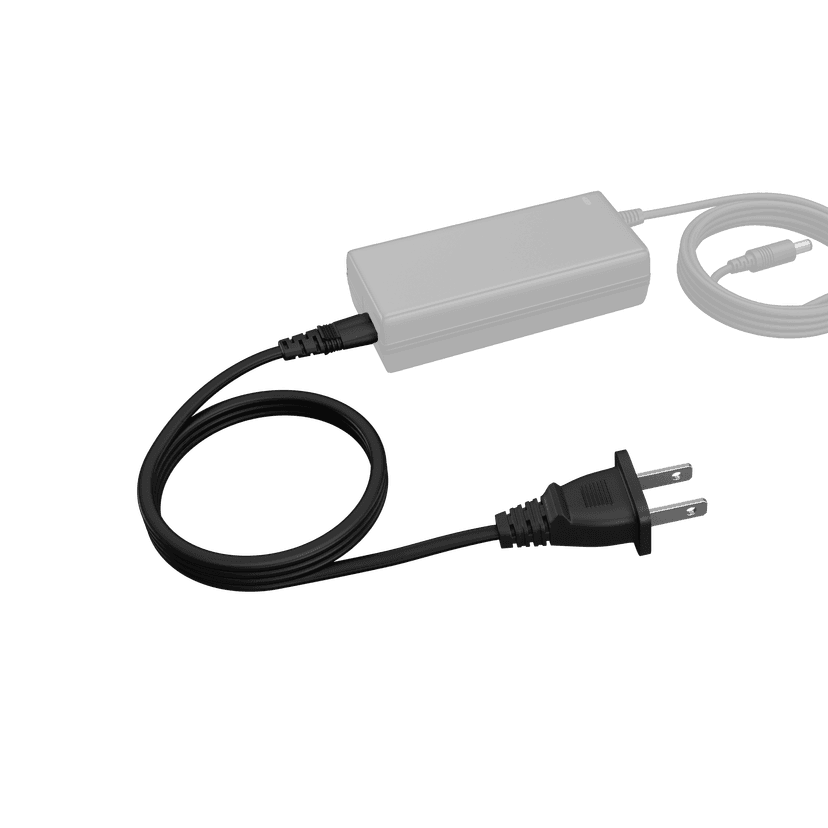
Jabra PanaCast 50 Video Bar System Power Cable
x xxx,xx xx(x xxx,xx xx x xxx xxx)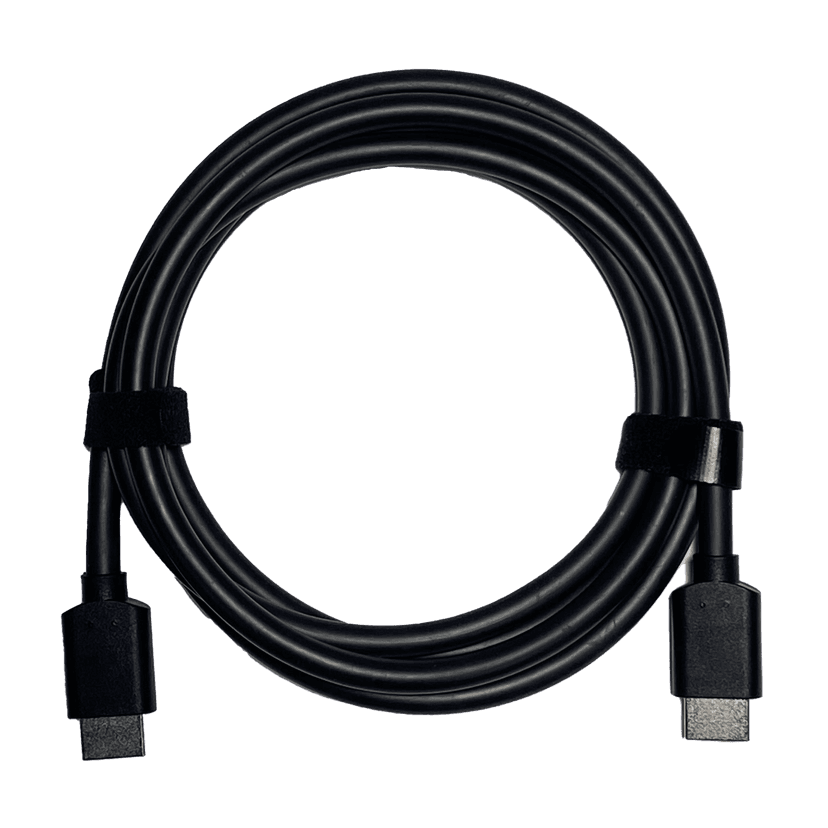
Jabra HDMI Cable (1.83m/6ft)
x xxx,xx xx(x xxx,xx xx x xxx xxx)Jabra PanaCast 50 Power Cable
x xxx,xx xx(x xxx,xx xx x xxx xxx)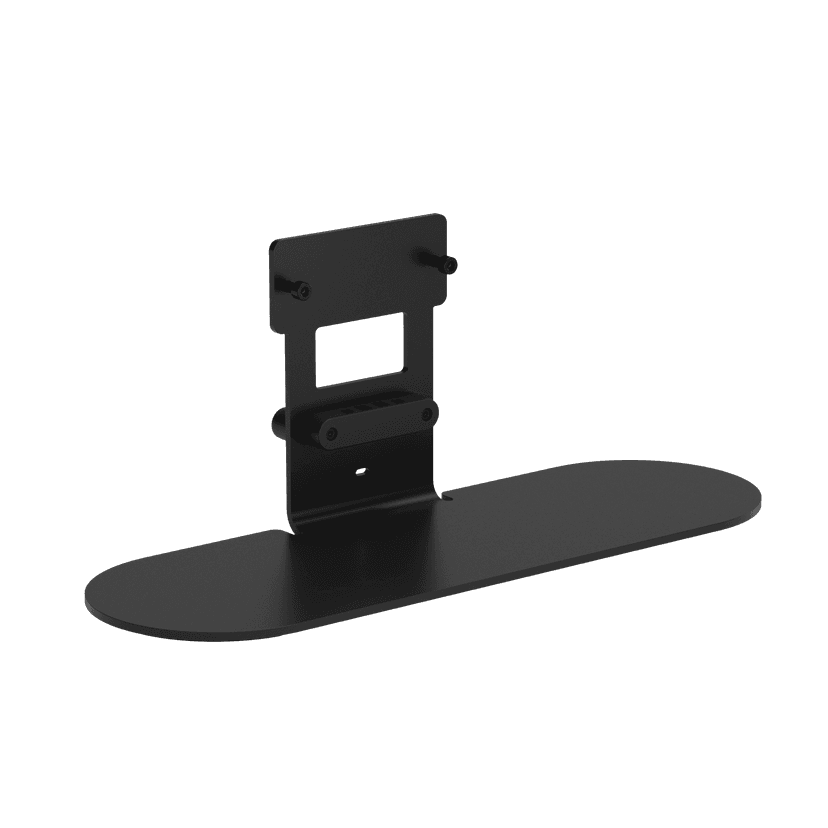
Jabra Table Stand
x xxx,xx xx(x xxx,xx xx x xxx xxx)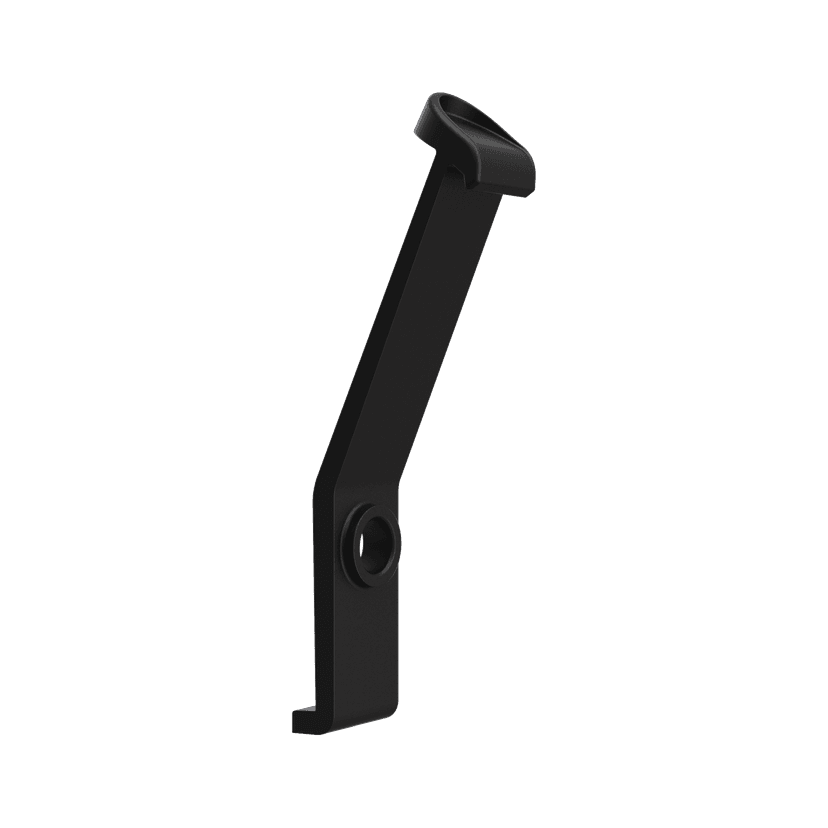
Jabra PanaCast 40 VBS ADA Mount
x xxx,xx xx(x xxx,xx xx x xxx xxx)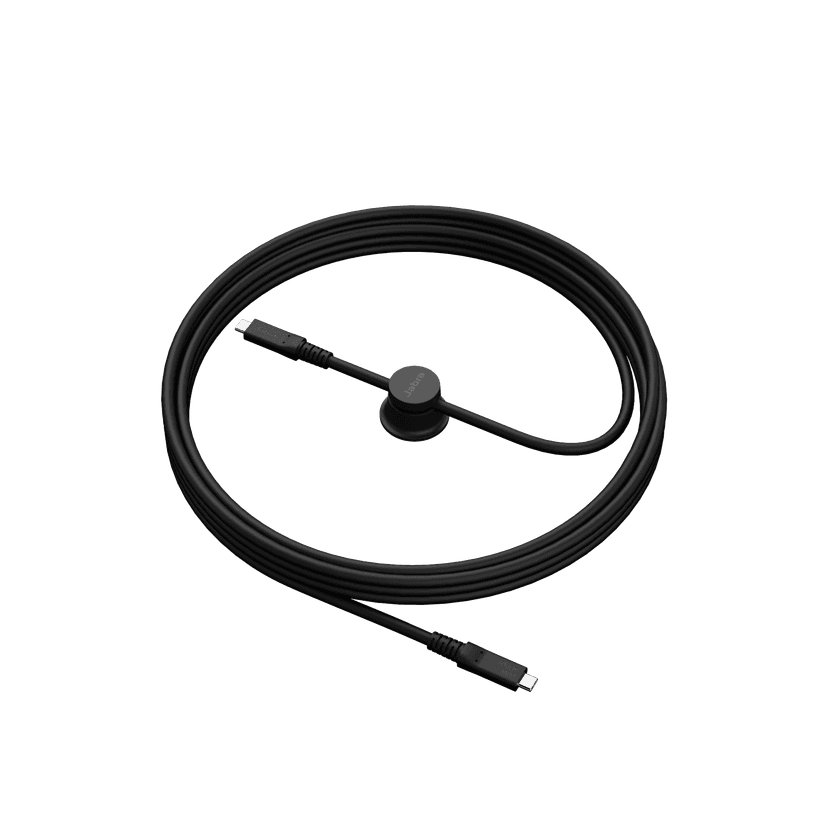
Jabra USB-C Active Cable (USB-C to USB-C) - 3.2 Gen 1 (5m)
x xxx,xx xx(x xxx,xx xx x xxx xxx)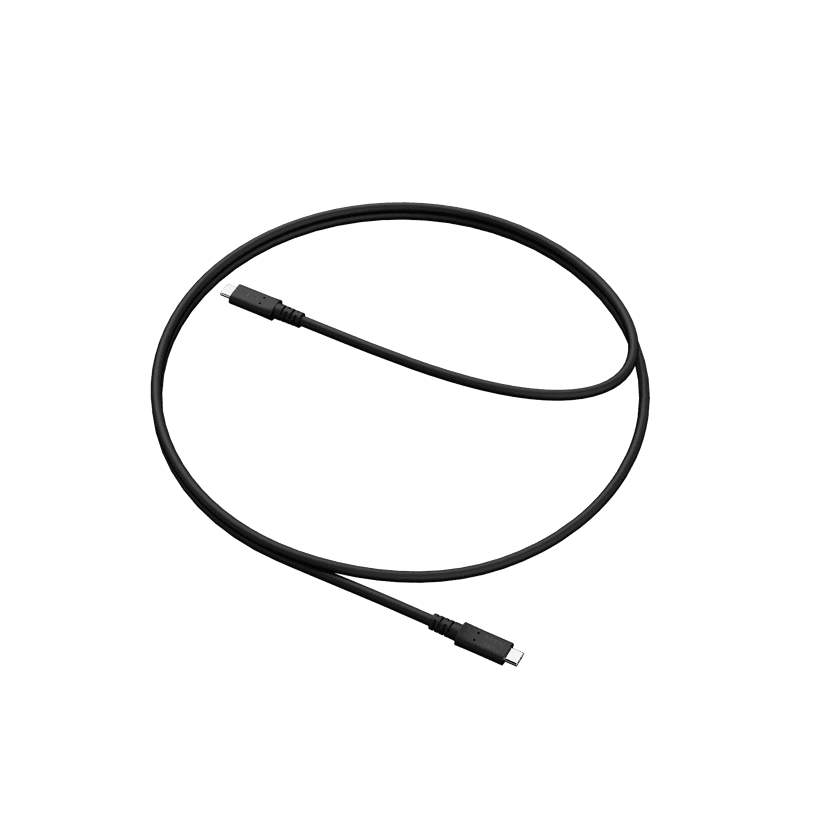
Jabra USB-C Active Cable (USB-C to USB-C) - 3.2 Gen 1 (1.8m)
x xxx,xx xx(x xxx,xx xx x xxx xxx)
Jabra PanaCast 48W AC Power Adapter
x xxx,xx xx(x xxx,xx xx x xxx xxx)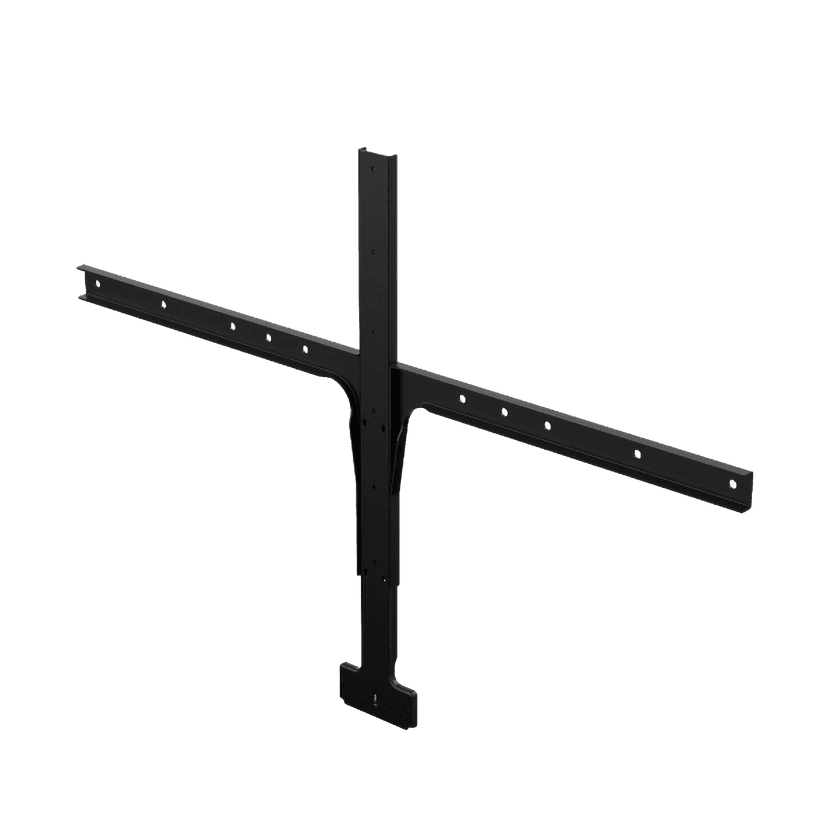
Jabra Large Screen Mount
x xxx,xx xx(x xxx,xx xx x xxx xxx)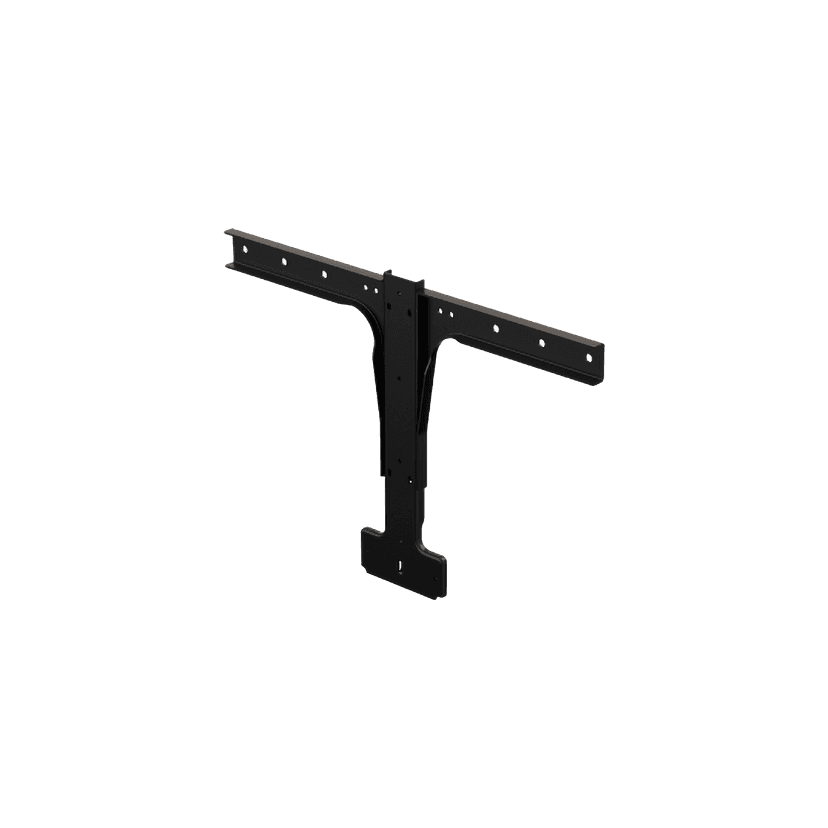
Jabra Small Screen Mount
x xxx,xx xx(x xxx,xx xx x xxx xxx)
本产品与下列设备或系统兼容
软电话:
兼容
座机:
不兼容
手机/平板电脑:
不兼容
兼容性指南
为您的设备找到合适的Jabra产品