
开始使用您的产品
支持资源
Microsoft Teams 管理中心自 2025 年 5 月 15 日起恢復 PanaCast 50 一體化視訊會議系統的自動固件更新功能
2025 年 5 月 15 日,Microsoft 将根据 Microsoft Teams 管理中心中组织的更新阶段结构恢复 PanaCast 50 一体化视讯会议系统的固件自动更新。在 Microsoft Intune 中引入 AOSP 设备管理期间,这些更新暂时中止。
重要:除非使用 Microsoft Teams Rooms Basic 许可证或禁用 Microsoft Teams Room Pro 许可证的 Microsoft Intune 功能,否则管理员必须在更新到使用 AOSP 设备管理的固件(包括 Jabra PanaCast 50 VBS Value Pack 3 和更新版本)之前在 Microsoft Intune 中创建 AOSP 设备管理策略。
有关详细信息,请参阅 Microsoft 的文章:
- 将 Teams Android 设备迁移到 AOSP 设备管理 | Microsoft Community Hub ›
- Microsoft Teams Android 设备的 Android AOSP 管理迁移指南 - Microsoft Teams | Microsoft Learn ›
如果您对 PanaCast 50 VBS 和 AOSP 设备管理准备有任何疑问,请联系 Jabra 支持。
文件
 丹麦语
丹麦语 德语
德语 英语(澳新地区)
 英语(欧洲、中东和非洲)
 英语(印度)
 英语
英语 西班牙语
西班牙语 法语
法语 日语
日语 荷兰语
荷兰语 简体中文
简体中文 阿拉伯语
阿拉伯语 保加利亚语
保加利亚语 捷克语
捷克语 希腊语
希腊语 拉丁美洲西班牙语
 爱沙尼亚语
爱沙尼亚语 芬兰语
芬兰语 加拿大法语
加拿大法语 克罗地亚语
克罗地亚语 匈牙利语
匈牙利语 印度尼西亚语
 意大利语
意大利语 韩语
韩语 立陶宛语
立陶宛语 拉脱维亚语
拉脱维亚语 马来西亚语
马来西亚语 挪威语
挪威语 波兰语
波兰语 葡萄牙语
葡萄牙语 巴西葡萄牙语
 罗马尼亚语
罗马尼亚语 俄语
俄语 斯洛伐克语
斯洛伐克语 斯洛文尼亚语
 塞尔维亚语
塞尔维亚语 瑞典语
瑞典语 泰语
泰语 土耳其语
土耳其语 乌克兰语
乌克兰语 越南语
越南语 繁体中文
繁体中文常见问题
最新版本说明
发布日期:
五月份 18, 2026发布版本:Jabra PanaCast 50 Video Bar: 7.7.0.23; Jabra PanaCast Control: 9.10.0-20Features:
- Configurable Room View in Single-Stream Dynamic Composition — Admins can now choose when the panoramic view appears: with 5+ people in the room (new default) or with 2+ people
- Zoom Auto-check-in support — This feature is now supported on PanaCast Video Bar Systems
- Non-Speech Noise Suppression — A new generation of noise suppression that maintains Super Wideband audio even when extreme noise suppression is active, improving voice clarity for loud or high-pitched speakers
Updated:
- Microsoft Teams compliance enhancements
- General audio improvements
Fixed:
- Fixed an issue where the microphone would stop functioning after entering idle/standby mode in Zoom
- Fixed an issue where the device would enter sleep mode during an active Microsoft Teams meeting and lose audio
- Fixed an issue resulting in sporadic audio unavailability in some rooms, as well as microphone and speaker audio dropouts during video meetings
- Fixed an issue in Zoom BYOD mode where muting/unmuting after a volume adjustment caused the volume to be different from the system configuration and jump close to 100%
- Fixed an issue where HDMI content sharing would freeze on the PanaCast 50 VBS
- Fixed an issue where configuration profiles from Teams Admin Center were not correctly applied to devices
- Fixed an issue in Zoom BYOD mode where Intelligent Zoom was not performing correctly when two people were in the field of view at different distances
- Fixed an issue in BYOD mode where the camera driver was not enumerating on Google Chromebooks
- Fixed an issue in Microsoft Teams where the ringtone audio was missing for incoming calls
- Fixed an issue in Zoom where muting audio from digital signage muted all audio on the speaker
- Fixed an issue in Zoom Direct Guest Join meetings where the speaker had no sound after adjusting the output volume several times
- Fixed audio issues that occurred when HDMI-IN was used for sharing
Security Updates:
- Added security enhancements to comply with the Radio European Directive
- Added a mandatory requirement forcing users to change the factory default password during their first login to the WebUI
- Added the ability to configure a Security Code (PIN) for Factory Resets, preventing unauthorized resets via physical access to the device*
* In BYOD-only environments, it is advised to store these details in a manner accessible to key personnel
发布日期:
四月 23, 2026发布版本:Jabra PanaCast 50 Video Bar: 6.12.0.3; Jabra PanaCast Control: 9.8.0-3Fixed/Details:
- Addressed connectivity issues when ICMP echo requests were disabled for the default gateway
发布日期:
十二月 15, 2025发布版本:Jabra PanaCast 50 Video Bar: 6.12.0.3; Jabra PanaCast Control: 8.9.0-13Updated:
- TAC default password change is not a requirement.
- Zoom Room automatic check in added.
Minor performance and stability improvements
发布日期:
十一月 17, 2025发布版本:Jabra PanaCast 50 Video Bar: 6.12.0.3; Jabra PanaCast Control: 8.8.0-6Security Updates:
- Security Enhancement: after first-time login to the Web UI or App UI the user will be forced to change the default password (PanaCast Control only).
- Added option to add Security code to prevent unauthorized factory reset (PanaCast Control only).
- To create Security Code, follow these steps: (App UI) > Device Settings > Admin access > Account > Security code for factory reset > Configure.
A similar path is available in the Web UI.
- To create Security Code, follow these steps: (App UI) > Device Settings > Admin access > Account > Security code for factory reset > Configure.
Minor performance and stability improvements.发布日期:
九月份 16, 2025发布版本:Jabra PanaCast 50 Video Bar: 6.12.0.3; Jabra Control IP: 7.10.0-9; Value Pack 3 Service Release 1New Features:
- High frame rate content sharing support
Updated:
- Added support for partial Configuration Profiles in Microsoft Teams Admin Center
Fixed:
- Teams application becomes unresponsive after enabling or exiting the BYOD mode
- PanaCast 50 VBS showed offline in Microsoft Teams Admin Center and Unmonitored in Microsoft Pro Portal but is online and working
- PanaCast 20 cameras not available in Zoom when connected to PanaCast 50 VBS bar
- Shared screen appears black in Zoom when sharing from a macOS Sonoma device
- Zoom menu not removed after unplugging the touch USB cable from the PanaCast 50 VBS bar to a touch display
- Improved device operation on IPv6 networks
- Jabra+ setup of PanaCast 50 VBS on IPv6 network showed “Something went wrong” error
- Touch controller displays “Cannot pair with video bar” message if connected to Wi-Fi after initial Ethernet setup
- A rare instance where a blank screen was shown on the Touch Controller after power cycling the unit
- Improved hardware rebooting during soft reboots and hardware reset
- Unexpected behavior which resulted in touch controllers initiating factory reset if powered off during an update
- Touch Controller showed a “Waiting for Video bar” after rebooting the touch controller
- Audio distortion when connecting Apple devices via HDMI IN port
- Unexpected audio transmission after unplugging and plugging an HDMI cable into the HDMI IN port of the PanaCast 50 VBS bar
- Unexpected audio loss if HDMI IN is active prior to start of a Teams call
- Improved speaker performance
- An edge case where devices fail to connect properly to a particular Wi-Fi access point
Release note edited 11/6/2025:
- Addition of Configuration Profiles support
发布日期:
八月 13, 2025发布版本: Jabra PanaCast 50 Video Bar: 6.5.2-1; Jabra Control IP: 7.8.0-9, Jabra+ Bundle version 1.1.6New Features:
- Jabra Control IP support added for PanaCast 40 VBS
- Device level pairing on networks with Public IPv4 addresses now supported
Minor performance and stability improvements.
发布日期:
五月份 09, 2025发布版本:Jabra Panacast 50 Video Bar: 6.5.2-1; Jabra PanaCast Control: 6.5.0-7, Jabra+ Bundle version 1.0.4Fixed:
- An issue where microphone or speaker audio could randomly disappear on the video bar.
Note: this update will only update the video bar.
Limitation:
- Device-level pairing in networks with both IPv4 and IPv6 currently supports private IPv4 addresses only. Support for device-level pairing over local networks which use public IPv4 addresses, and also have IPv6 enabled, is targeted for the next firmware release.
For more information, please refer to this FAQ on this topic.
The public release note has been edited July 16, 2025 with limitation section.
- An issue where microphone or speaker audio could randomly disappear on the video bar.
发布日期:
二月 20, 2025发布版本:Jabra PanaCast 50 Video Bar: 6.5.0-7 (Value Pack 3); Jabra PanaCast Control: 6.5.0-7 (Value Pack 3)New Features:
- Microsoft Device Ecosystem Platform (MDEP) OS framework adopted to support Intune Non-Google Management Services/Android Open Source Project management policy
- Intelligent Meeting Space. For further details, please click here
- Persistent Bring Your Own Device mode via USB-C connection
- WiFi support
- WEP/WPA/WPA2/WPA3 – PSK supported
- Aux-out audio for assisted listening devices. For further details, please click here
- 802.1x certificates for Ethernet networks
- Support for USB cameras in Microsoft Teams
- Touch controller display brightness is now configurable
- Touch controller color blindness options now available
- Deuteranomaly, protanomaly, tritanomaly supported
Updated:
- Image quality enhancements
- Speaker focus enhancements
- Touch reactivity of touch controller improved
Fixed:
- A user interface issue when connecting Jabra PanaCast 50 VBS to Dell P2424HT touch monitor
- A bug which caused Jabra PanaCast 50 VBS to become unresponsive when connected to Avocor H-Series interactive display
- A bug which caused microphones to fail
- A bug which displayed a black image when joining Zoom meetings via Direct Guest Join feature from Microsoft Teams Rooms environments
- A bug which caused the touch controller and video bar to lose pairing when a PAC proxy was configured
- The correct image is now displayed for Single-Stream Dynamic Composition
- Shared content no longer remains on display after the removal of the HDMI cable from the host
Minor performance and stability improvements.
发布日期:
九月份 11, 2024发布版本:Jabra PanaCast 50 Video Bar: 3.6.0-31 (Value Pack 1.1); Jabra PanaCast Control: 3.6.0-31 (Value Pack 1.1)New Features:
- New video mode: Multi-stream Dynamic Composition for Zoom Rooms with support for Zoom Smart Gallery with up to six simultaneous video streams.
- New layout for Single-stream Dynamic Composition. Read more here
- Added support for Jabra+ via the use of provisioning codes. Read more here
- AI-Powered non-speech noise suppression option for noisy environments. Read more here
- Added support for Korean language
Updated:
- Renamed devices as “PanaCast 50 VBS bar” and “PanaCast Control” in Teams Admin Center
Fixed:
- Display challenges when in BYOD mode
- Microphone audio transmitted through the speakers during a local meeting with screen share
- Black video output in some scenarios
- Teams meetings could be interrupted by updates pushed from Teams Admin Center
Versions impacted for above fixes:
- Microsoft Company Portal (VB/TC): Version 5.0.6152.0
- Microsoft Admin Agent (VB/TC): Version 1.0.0.202402202353.product, 703
- Microsoft Teams (VB/TC): Version 1449/1.0.96.2024080804
- Zoom Rooms (VB): Version 6.1.5.5274
- Zoom Rooms Controller (TC): Version 6.1.5.2916
Minor performance and stability improvements
发布日期:
五月份 10, 2024发布版本:Jabra Panacast 50 Video Bar: 2.8.0-15 (VP1); Jabra Panacast Control: 2.8.0-15 (VP1)New features:
- Jabra PanaCast 50 Video Bar System bring your own device (BYOD) mode for Microsoft Teams Rooms on Android systems
- Jabra PanaCast 50 Video Bar System bring your own device (BYOD) mode for Zoom Rooms on Android systems
- Jabra PanaCast 50 Video Bar System support for IEEE 802.1X PEAP via Ethernet port
- Username and Password Authentication
- Added monitoring of the call state to prevent firmware updates applying while in a call when processed from the Web Console or Zoom
Updated:
- Static IP address can now be configured on first use, without the need for DHCP setup
- Possibility to view and delete custom CA certificates
Fixed:
- Microphone volume setting was not retained after a reboot of the system
- People Count data was not updated while system was in idle status*
- Video freeze when enabling Multi-Focus Framing in Zoom Rooms
Versions impacted for above fixes:
- Zoom Rooms: 5.17.7.5*
- Zoom Room control: 5.17.1 (2486)*
查找序列号
在检查保修之前,请查找您的产品序列号。
附件
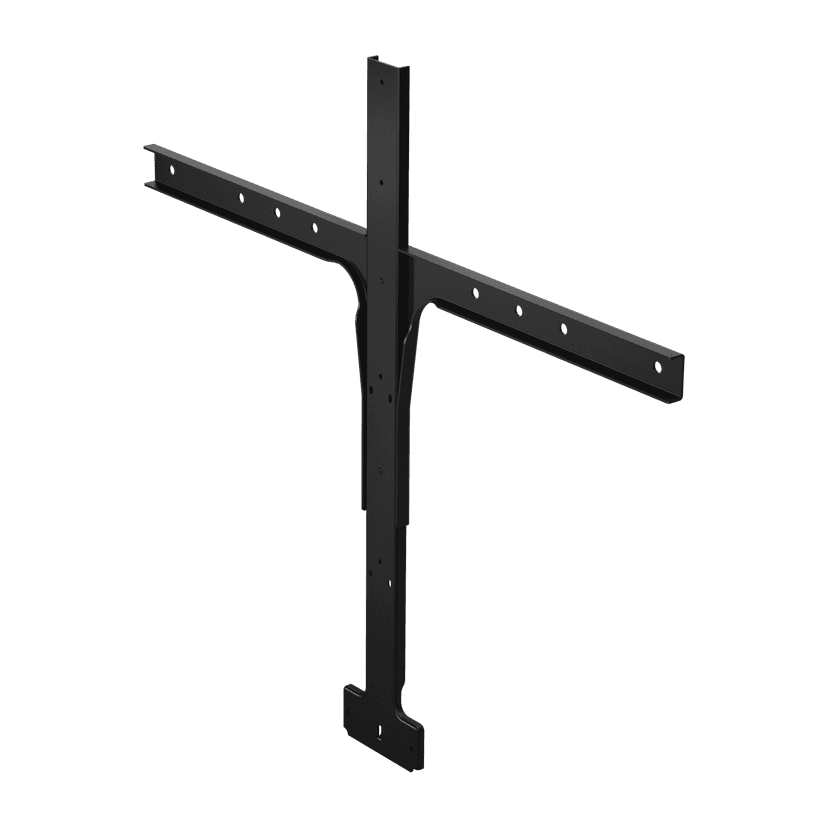
Jabra PanaCast 50 屏幕支架
x xxx,xx xx(x xxx,xx xx x xxx xxx)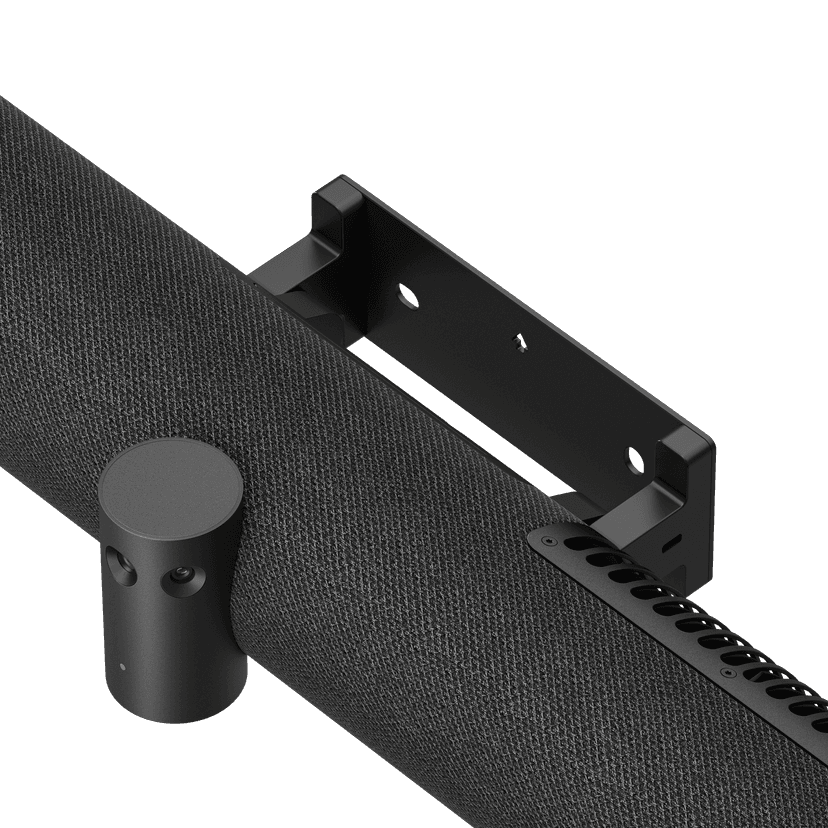
Jabra PanaCast 50 Video Bar System Wall Mount
x xxx,xx xx(x xxx,xx xx x xxx xxx)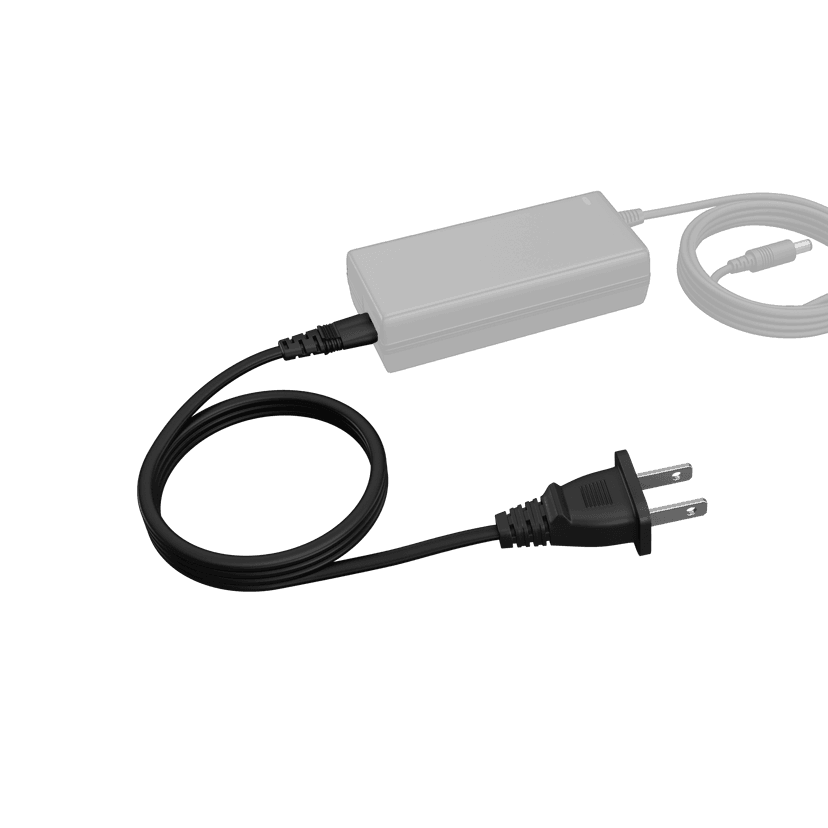
Jabra PanaCast 50 Video Bar System Power Cable
x xxx,xx xx(x xxx,xx xx x xxx xxx)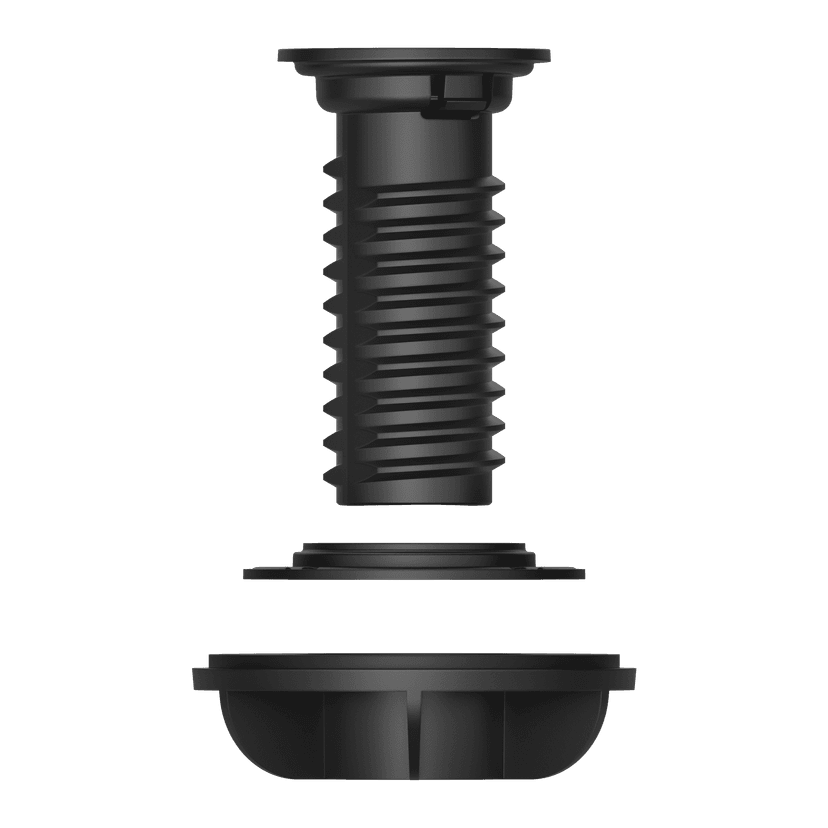
Jabra PanaCast Control Table Mount
x xxx,xx xx(x xxx,xx xx x xxx xxx)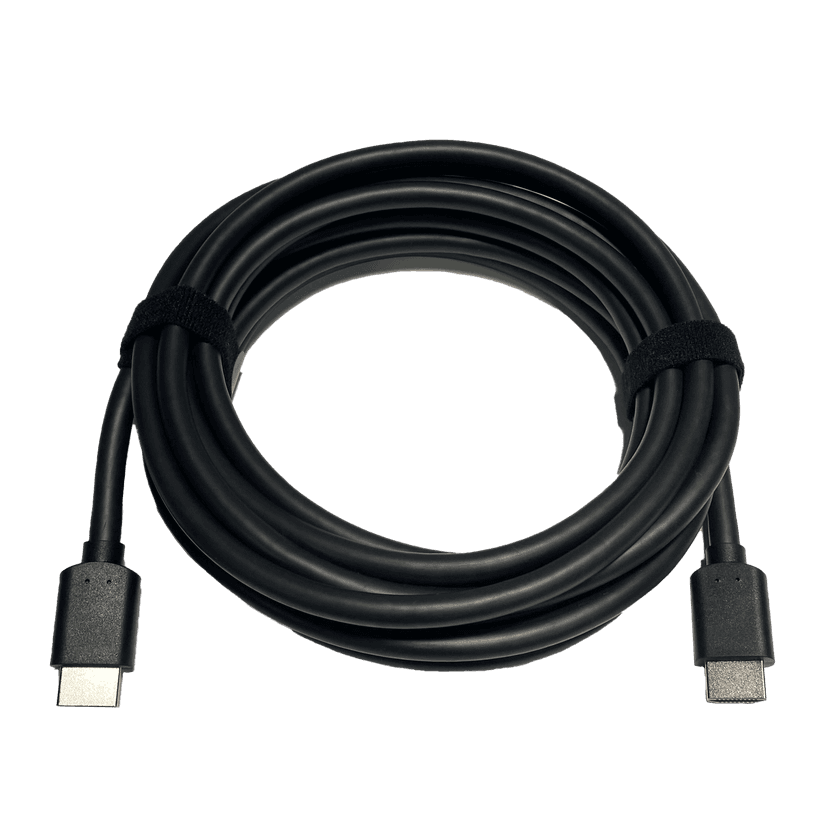
Jabra HDMI Ingest Cable (4.57m/15ft)
x xxx,xx xx(x xxx,xx xx x xxx xxx)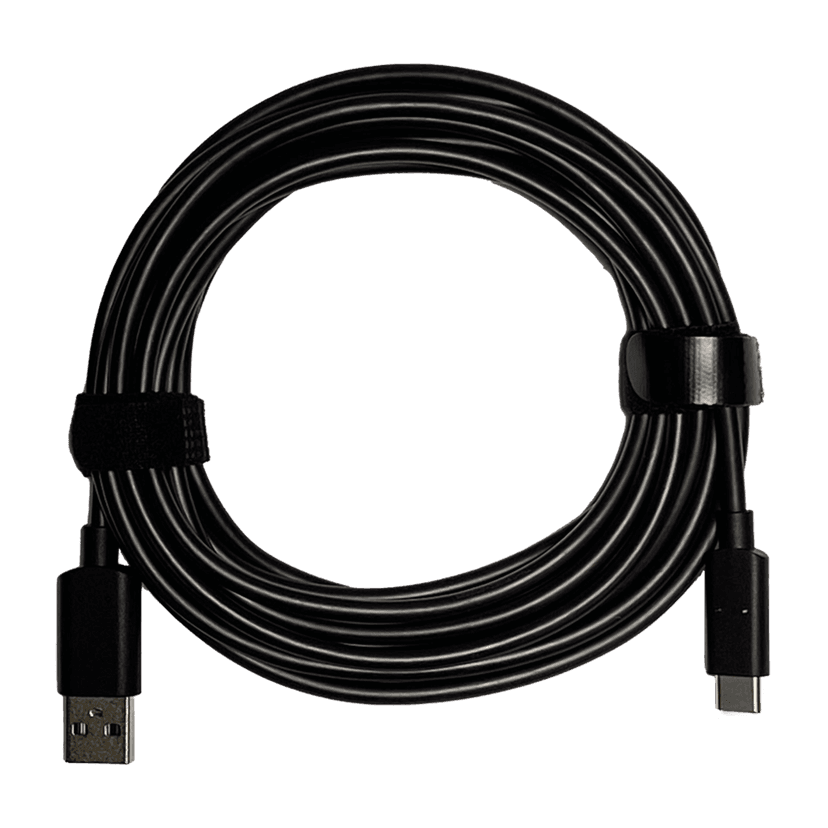
Jabra PanaCast 50 Video Bar System USB Cable (Type A to Type C USB Cable, 4.57m/15ft)
x xxx,xx xx(x xxx,xx xx x xxx xxx)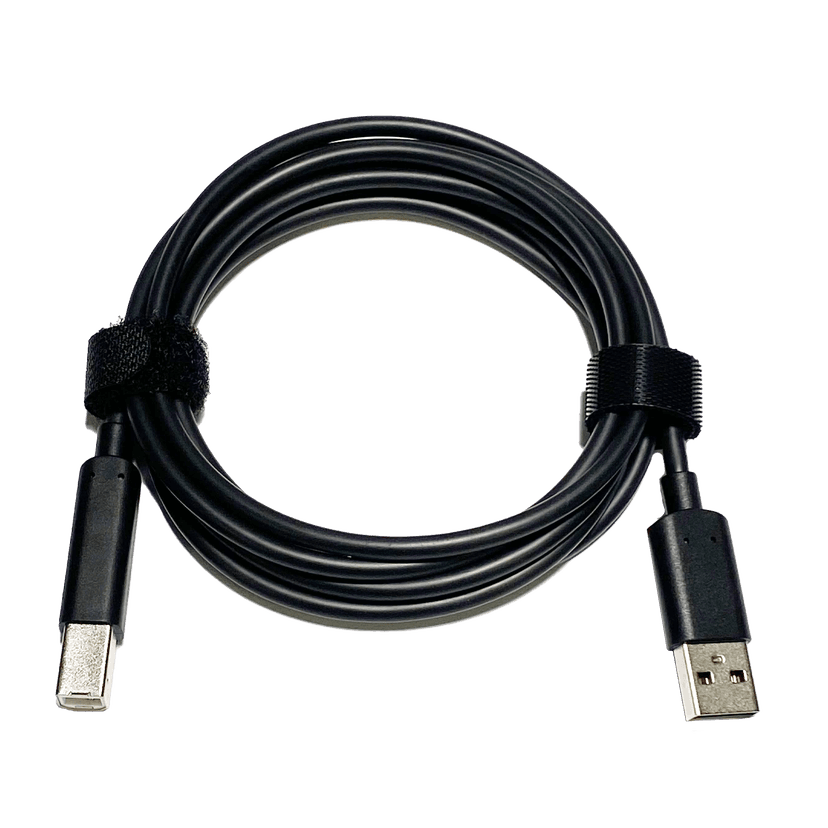
Jabra PanaCast 50 Video Bar System USB Cable (Type A to Type B USB Cable, 1.83m/6ft)
x xxx,xx xx(x xxx,xx xx x xxx xxx)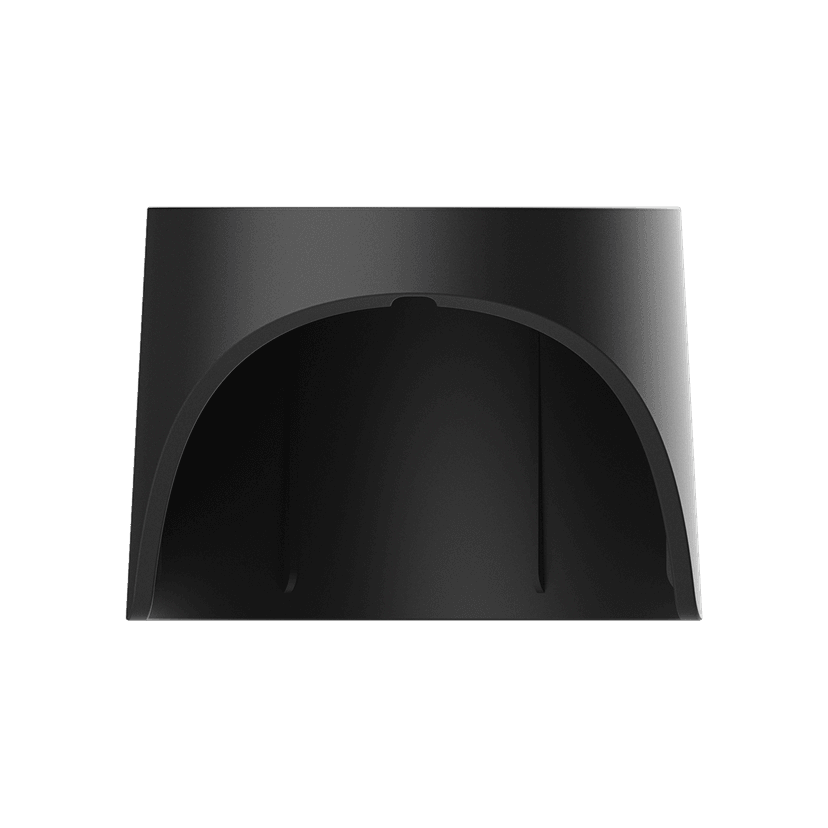
Jabra PanaCast 50 Video Bar System Privacy Cover (Camera Cover with Sensor) - Black
x xxx,xx xx(x xxx,xx xx x xxx xxx)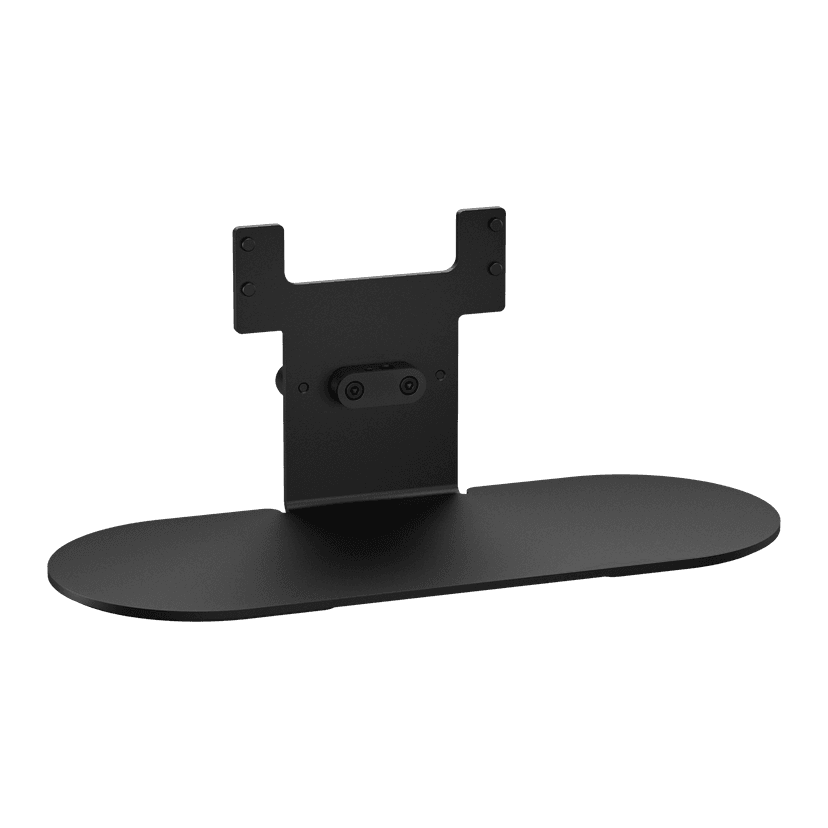
Jabra PanaCast 50 Video Bar System Table Stand (Click-on Video Bar System table stand)
x xxx,xx xx(x xxx,xx xx x xxx xxx)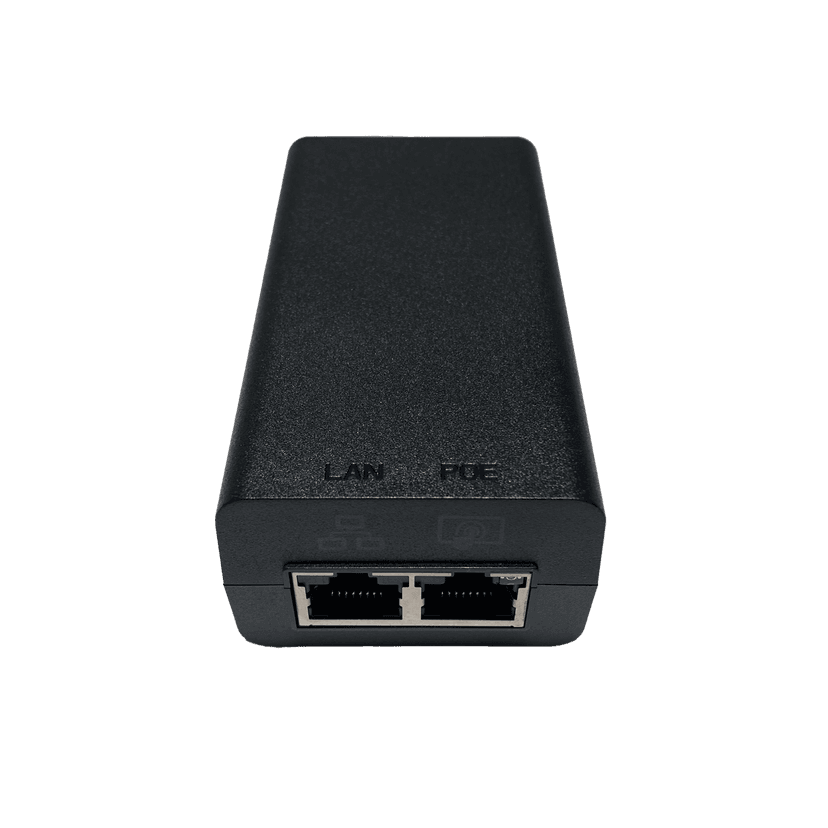
Jabra PoE Injector Kit
x xxx,xx xx(x xxx,xx xx x xxx xxx)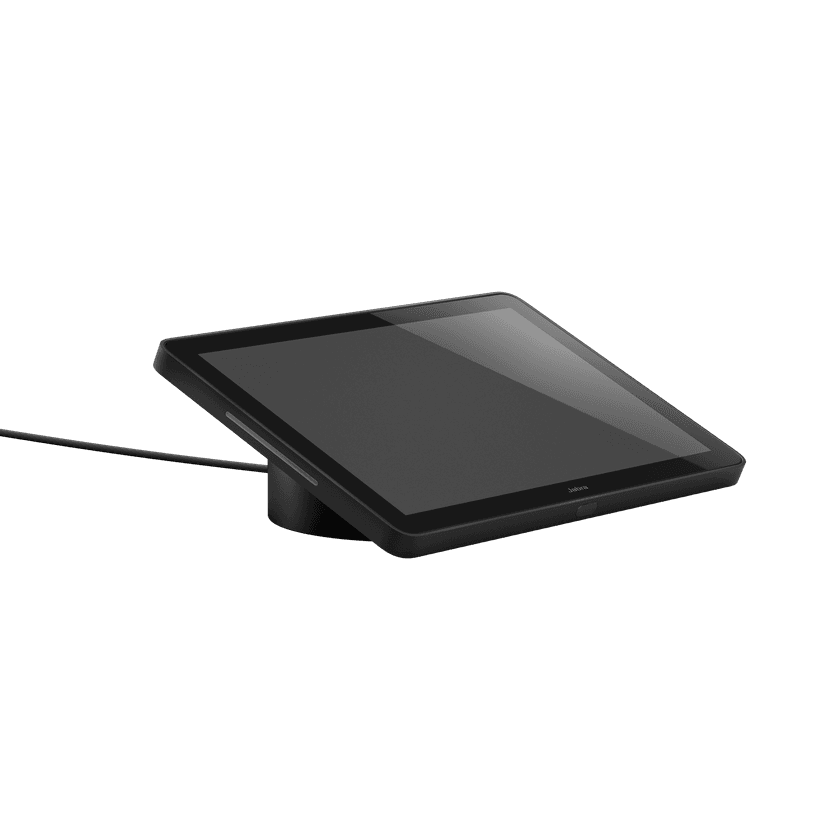
Jabra PanaCast Control - UC
x xxx,xx xx(x xxx,xx xx x xxx xxx)Jabra PanaCast 50 Power Cable
x xxx,xx xx(x xxx,xx xx x xxx xxx)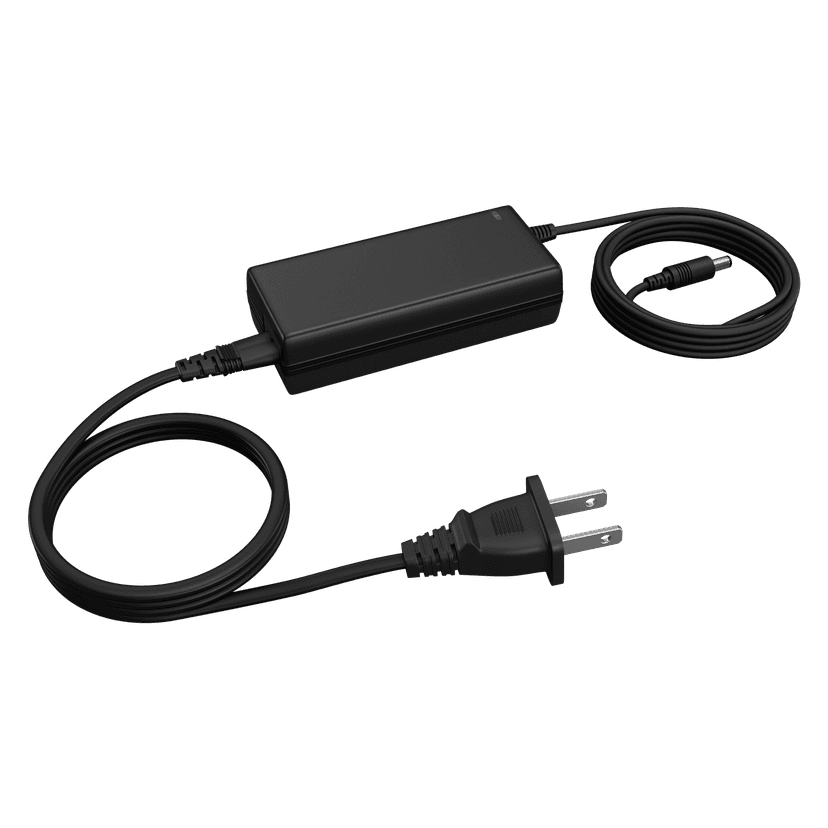 x xxx,xx xx(x xxx,xx xx x xxx xxx)
本产品与下列设备或系统兼容
软电话:
兼容
座机:
不兼容
手机/平板电脑:
不兼容
兼容性指南
为您的设备找到合适的Jabra产品