
开始使用您的产品
支持资源
文件
 简体中文
简体中文 丹麦语
丹麦语 德语
德语 西班牙语
西班牙语 法语
法语 日语
日语 韩语
韩语 荷兰语
荷兰语 英语
英语 阿拉伯语
阿拉伯语 巴西葡萄牙语
 加拿大法语
加拿大法语 捷克语
捷克语 意大利语
意大利语 拉丁美洲西班牙语
 波兰语
波兰语 葡萄牙语
葡萄牙语 俄语
俄语 瑞典语
瑞典语 土耳其语
土耳其语 繁体中文
繁体中文常见问题
固件和软件
 macOS
macOS Windows
最新版本说明
发布日期:
三月份 25, 2021发布版本:2.38.0Details
• Fixed: no low battery warning when voice guidance is turned off and listening to music
• Performance and stability improvements发布日期:
八月 03, 2020发布版本:2.32.0Details
• Updated: Microsoft Teams certification for the Skype for Business variant*
• Performance and stability improvements*when connected with the Jabra Link 370 (supported from firmware version 1.82.0)
发布日期:
十二月 19, 2019发布版本:2.10.0Details
- Performance and stability improvements
发布日期:
九月份 05, 2018发布版本:2.4.0Details
- Voice guidance gives the status of Active Noise Cancellation (ANC)
- Added voice guidance that states if ANC is on or off.
This is enabled automatically by the Voice guidance setting in Jabra Direct or Jabra Xpress, or enable it manually by pressing and holding the Mute button for approximately 5 seconds. - Music controls
- Added an option to skip to the next or previous track.
- Press and hold the Volume up button for approximately 3 seconds to skip to the next track.
- Press and hold the Volume down button for approximately 3 seconds to skip to the previous track.
- Added an option to pause or resume music.
- Press and hold the Answer/end call button for approximately 3 seconds to pause or resume music.
- Improved connection stability when used with Mitel MiVoice 6930/6940 IP Phone.
Enhancements:
发布日期:
十月份 25, 2017发布版本:2.0.0Details
- Noise @ Work - Support for EU/US Noise At Work and G616 guidelines*
- Adjustable Sidetone - set the sidetone to a convenient level for better audio *
- Customizable device name – customize the name of the Jabra Evolve 75*
*Noise @ Work and Adjustable Sidetone feature can be managed from Jabra Xpress and Jabra Direct 3.9. The Change Bluetooth Name can only be managed from Jabra Direct 3.9.
Enhancements:- Minor audio improvements and bug fixes **
** For the Jabra Evolve 75 audio improvements and bug fixes to take effect, the Jabra Link 370 Bluetooth adapter in use must be updated to version 1.18.0 or later.
Jabra Direct
Personalize your Jabra audio device and get the best user experience on each call. Update your Jabra Evolve headset by downloading the latest version of Jabra Direct free at www.jabra.com/direct
Jabra Suite for Mac
Update your Jabra Evolve headset by downloading the latest version of Jabra Suite for Mac free at www.jabra.com/macsuite
Jabra Xpress
Future-proof your Jabra USB audio device investment. Install and update multiple Jabra Evolve headsets within your organization, all at the same time using our web-based software Jabra Xpress available at www.jabra.com/xpress
发布日期:
五月份 15, 2017发布版本:1.12.0Details
- First public release
查找序列号
在检查保修之前,请查找您的产品序列号。
附件
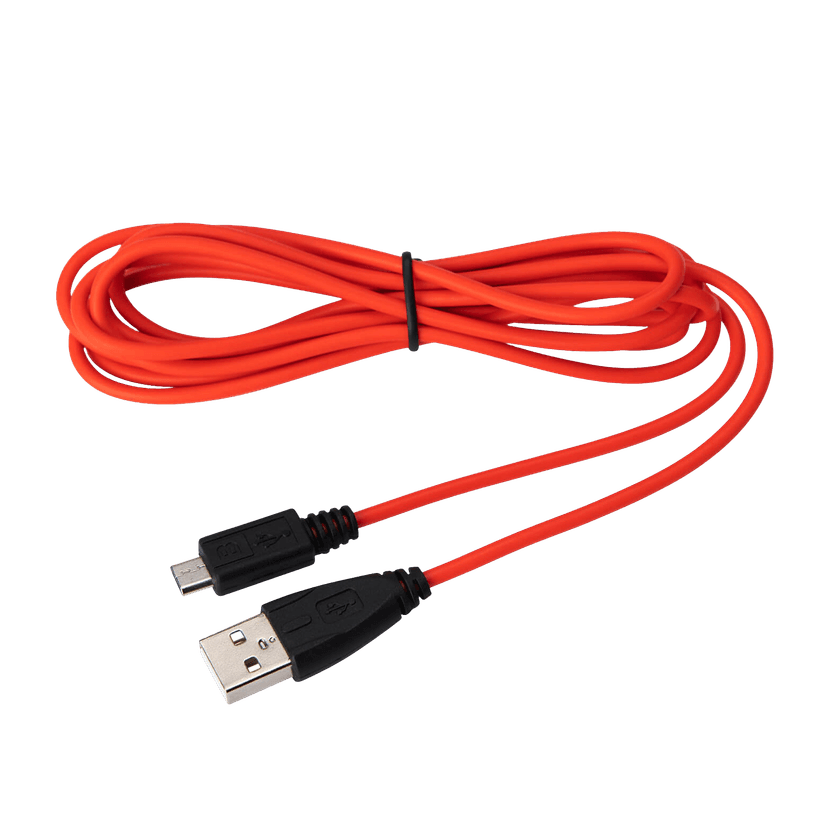
Jabra Evolve USB-A 线缆
x xxx,xx xx(x xxx,xx xx x xxx xxx)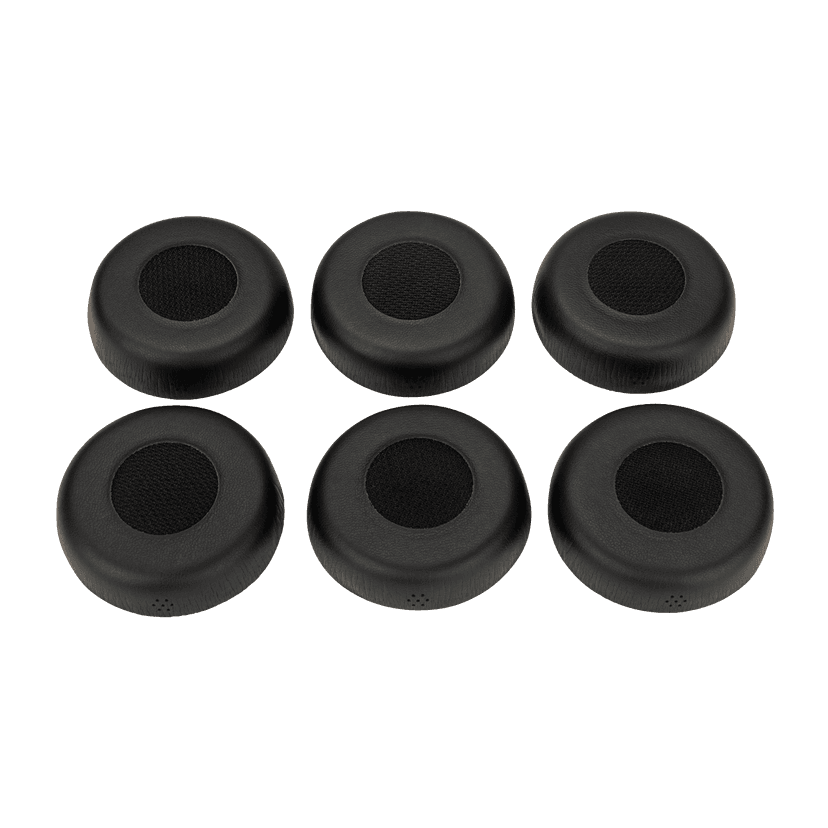
Jabra Evolve 75 耳垫
x xxx,xx xx(x xxx,xx xx x xxx xxx)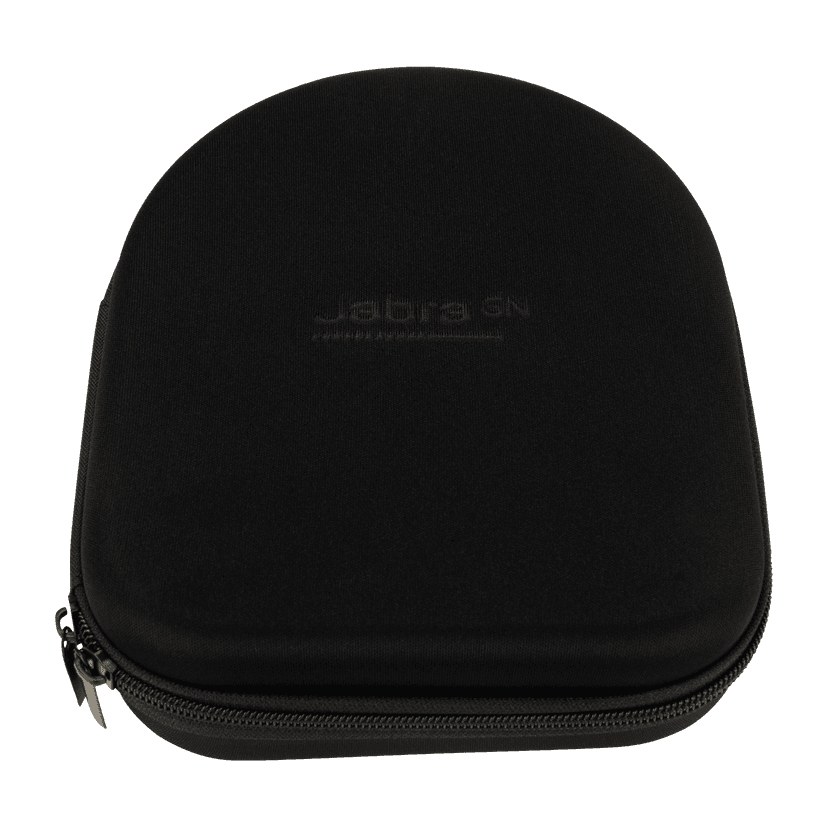
Jabra Evolve 75 硬质保护盒
x xxx,xx xx(x xxx,xx xx x xxx xxx)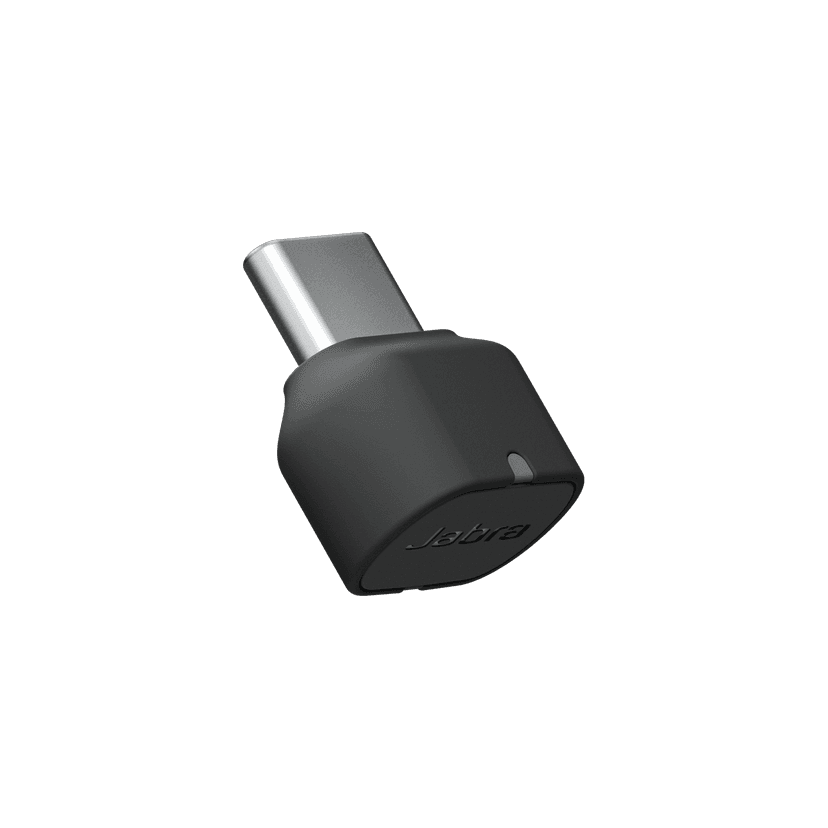
Jabra Link 380c MS - USB-C - Bluetooth Adapter
x xxx,xx xx(x xxx,xx xx x xxx xxx)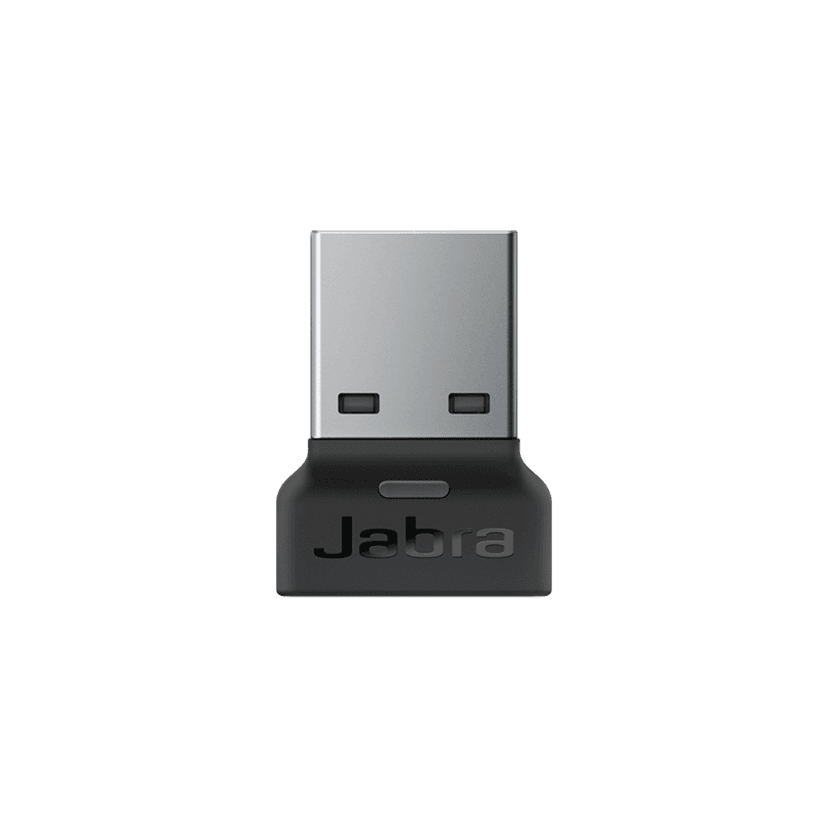
Jabra Link 380a MS - USB-A - Bluetooth Adapter
x xxx,xx xx(x xxx,xx xx x xxx xxx)Jabra Link 380c UC - USB-C - Bluetooth Adapter
x xxx,xx xx(x xxx,xx xx x xxx xxx)Jabra Link 380a UC - USB-A - Bluetooth Adapter
x xxx,xx xx(x xxx,xx xx x xxx xxx)