
开始使用您的产品
支持资源
文件
 简体中文
简体中文 德语
德语 丹麦语
丹麦语 亚太
亚太 英语(欧洲、中东和非洲)
 英语(英国)
 英语
英语 西班牙语
西班牙语 法语
法语 日语
日语 荷兰语
荷兰语 阿拉伯语
阿拉伯语 保加利亚语
保加利亚语 捷克语
捷克语 希腊语
希腊语 拉丁美洲西班牙语
 爱沙尼亚语
爱沙尼亚语 芬兰语
芬兰语 加拿大法语
加拿大法语 印地语
印地语 克罗地亚语
克罗地亚语 匈牙利语
匈牙利语 印度尼西亚语
 意大利语
意大利语 韩语
韩语 立陶宛语
立陶宛语 拉脱维亚语
拉脱维亚语 马来西亚语
马来西亚语 挪威语
挪威语 波兰语
波兰语 葡萄牙语
葡萄牙语 巴西葡萄牙语
 罗马尼亚语
罗马尼亚语 俄语
俄语 斯洛伐克语
斯洛伐克语 斯洛文尼亚语
 塞尔维亚语
塞尔维亚语 瑞典语
瑞典语 泰语
泰语 土耳其语
土耳其语 乌克兰语
乌克兰语 越南语
越南语 繁体中文
繁体中文常见问题
最新版本说明
发布日期:
八月 12, 2026发布版本:Jabra Panacast 40 Video Bar: 4.2.0-21New Features
- Web Console access over USB when no network is available — connect the device to your laptop and browse to https://jabra-ui.local
- People Count support for Jabra Plus application
- New camera detection settings under Video > Camera can be enabled or disabled from the Web Console or App UI:
- Screen Detection, which prevents the camera from framing people shown on in-room displays
- Reflection Detection, which prevents framing of reflections
- Configurable transition speed and style for Virtual Director
- Monitor standby modes can now be configured from the App UI and Web UI
Updated
- Several Web Console improvements
Fixed
- Fixed an issue where the video bar in standalone mode showed only three camera modes (Panoramic, Speaker Focus, and Auto Framing) instead of all four
- Fixed an issue where the MDEP version was shown on the Touch Controller but not on the video bar
- Fixed an issue in Zoom BYOD mode on macOS where the volume reverted unexpectedly after being changed
- Fixed an issue where the list of available video bars continued to appear in the Web Console even after the video bar and Touch Controller were successfully paired
- Fixed an issue where a Webex meeting invitation was not received in the device calendar
- Fixed a camera stitching issue in the image overlap zone
- Fixed an issue where the video bar and Touch Controller could not find each other after IPv6 was disabled on the video bar
- Fixed an issue where the display did not enter standby in BYOD mode
- Fixed Intelligent Meeting Space issues where a person just outside the configured room boundary could be detected at close range, and where the multi-focus layout behaved unexpectedly as a fifth person moved in and out of the boundary
- Fixed an issue in Zoom where the device prompted for device-type selection at startup even though it had already been configured during setup
- Fixed an issue where the selected language was not shown in the Microsoft Teams Admin Center or Pro Management Portal
Security Updates
- Retrieval of NTP date/time via DHCP option 42
发布日期:
四月 23, 2026发布版本:Jabra Panacast 40 Video Bar: 3.4.0-19Updated:
- Improved voice capture while extreme background noise suppression is active
- Improved participant detection in Multi-Stream Dynamic Composition mode
- Splash screen added to HDMI output on boot
- Improved Video Bar wake speed after rebooting
- Added "Room View" options while in Single-stream Dynamic Composition mode
- Resolved a pairing state drop between Video Bar and Control IP in Microsoft Teams Rooms environments
- Single-Stream Dynamic Composition and Virtual Director are now correctly displayed in the user interface of BYOD mode
- Corrected a chipset timing issue which interfered with the boot process in rare cases
- HDMI now correctly outputs after exiting standby in BYOD mode
- Resolved a bug causing the Video Bar to appear disconnected under certain network conditions
- Echo no longer present when sharing content via HDMI during Microsoft Teams Rooms meetings
- Volume controls now correctly unmute audio in Microsoft Teams Rooms after being set to minimum levels
- Audio distortion issues for MacBook users when operating in BYOD mode
- HDMI output now correctly scales to 4K on supported displays
- Switching cameras in Cisco Webex while using BYOD mode no longer results in video distortions
- Multi-Stream Dynamic Composition video streams from Zoom Rooms are now implemented to Direct Guest Join participants in Microsoft Teams Rooms meetings
- Changing output resolutions on an Apple MacBook does not result in loss of video in BYOD mode
- Video output initializes correctly even if the HDMI cable is connected after the device is powered on
- Enhanced the handling of fragmented IPv6 packets to prevent potential data loss or connection drops
- Device connectivity is no longer lost if WiFi paired Video Bar and Control IP are changed to Ethernet connections
- Addressed connectivity issues when ICMP echo requests were disabled for the default gateway
Minor performance and stability improvements
Edited: May 14, 2026
发布日期:
九月份 17, 2025发布版本:Jabra Panacast 40 Video Bar: 1.9.0-25; Jabra Control IP: 7.10.0-9Updated:
- Added support for partial Configuration Profiles in Microsoft Teams Admin Center
- Minor performance and stability improvements
Please note: From November 17, 2025, applicable release notes for the Jabra Control IP/Jabra Scheduler are located here
Edited: November 17, 2025
发布日期:
八月 04, 2025发布版本:Jabra Panacast 40 Video Bar: 1.9.0-25; Jabra Control IP: 7.8.0-9Details:
- First public release
查找序列号
在检查保修之前,请查找您的产品序列号。
附件
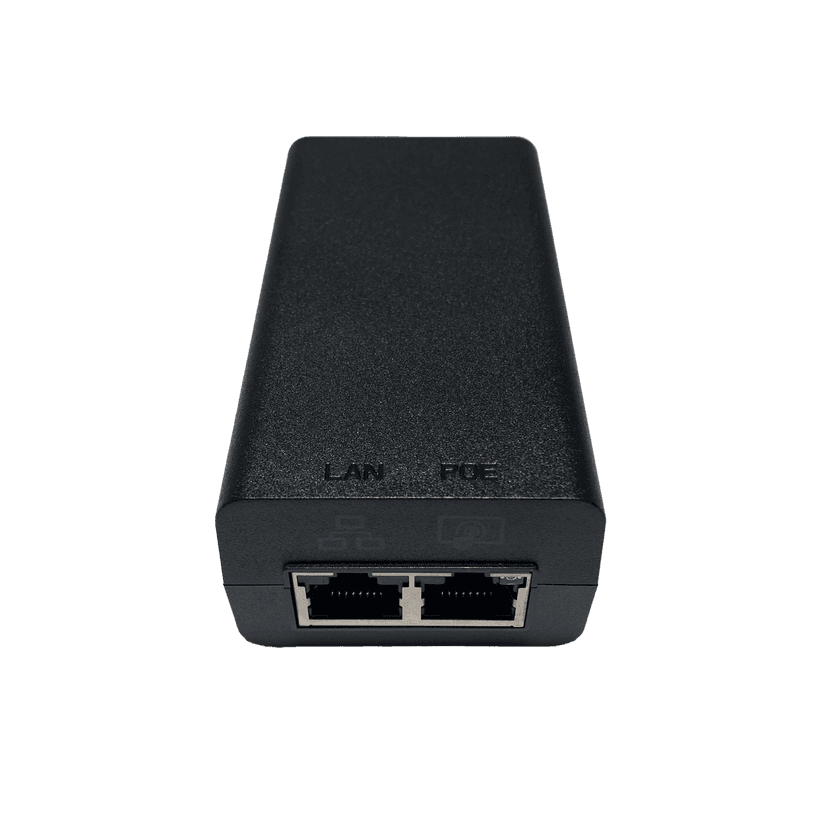
Jabra PoE Injector Kit
x xxx,xx xx(x xxx,xx xx x xxx xxx)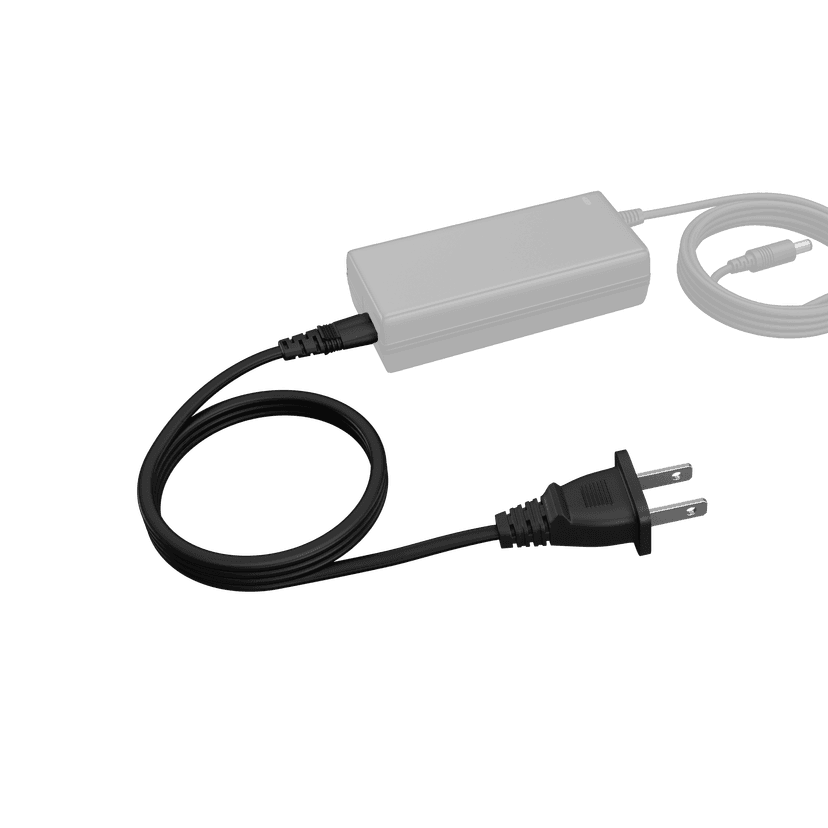
Jabra PanaCast 50 Power Cable
x xxx,xx xx(x xxx,xx xx x xxx xxx) x xxx,xx xx(x xxx,xx xx x xxx xxx)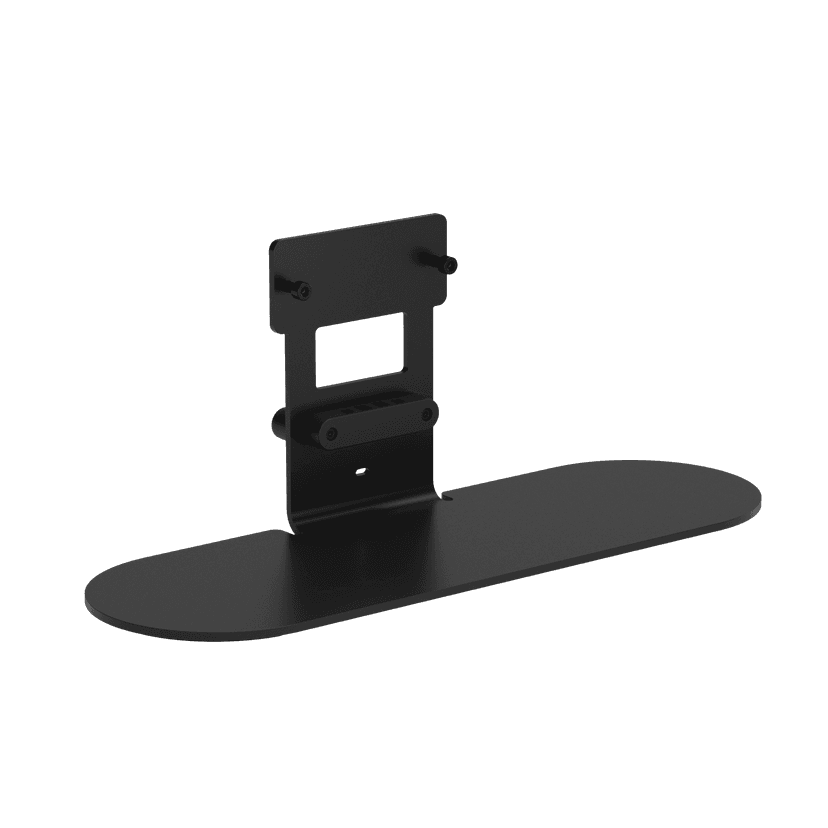
Jabra Table Stand
x xxx,xx xx(x xxx,xx xx x xxx xxx)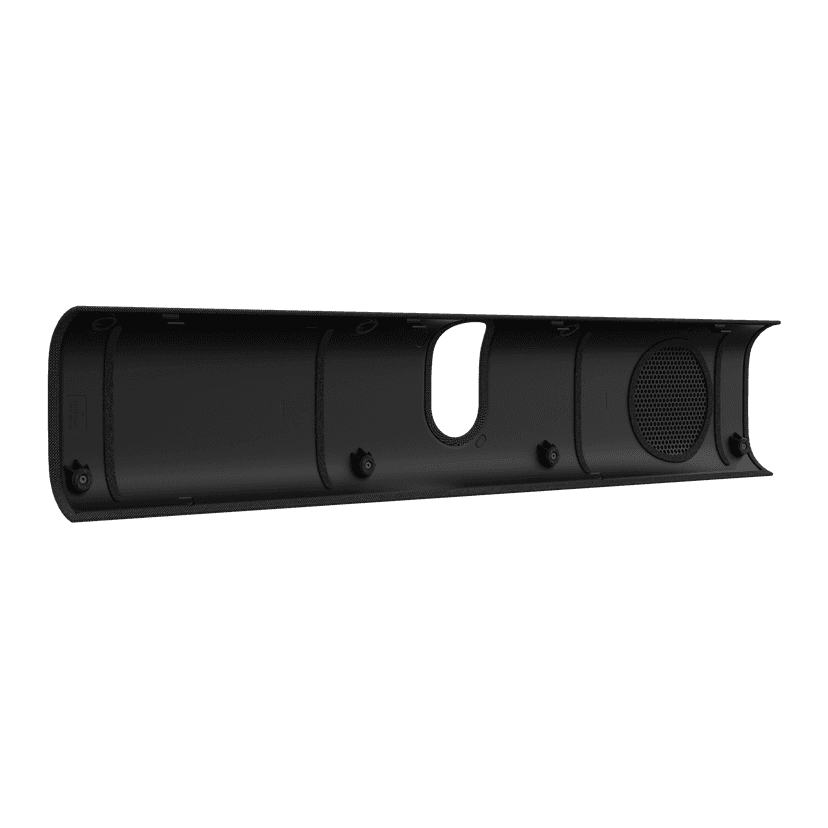
Jabra PanaCast 40 VBS Fabric Cover
x xxx,xx xx(x xxx,xx xx x xxx xxx)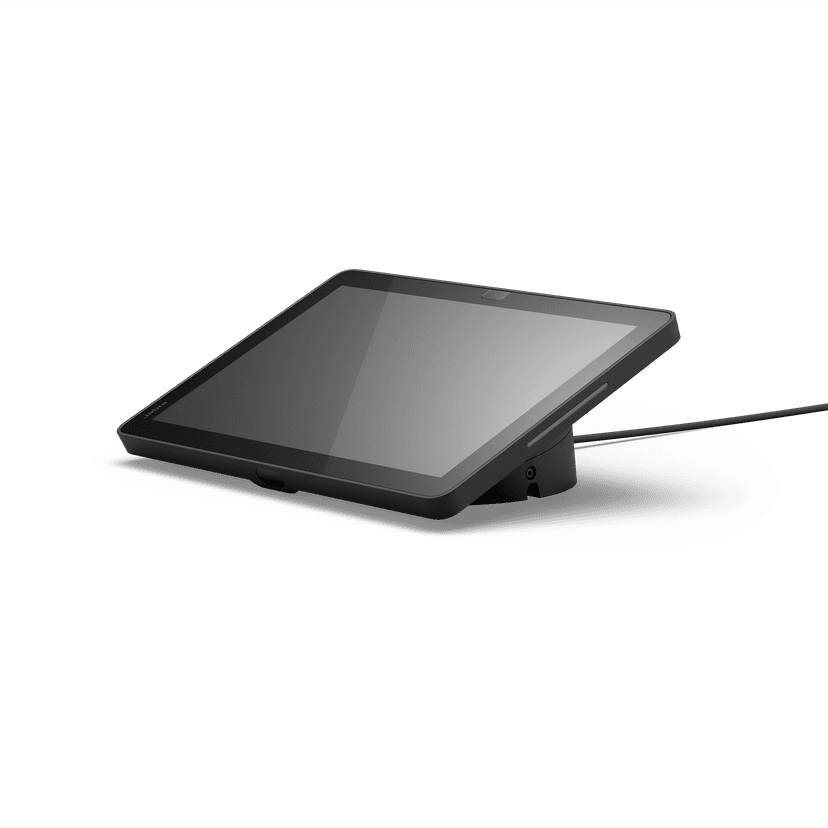
Jabra Control IP - UC
x xxx,xx xx(x xxx,xx xx x xxx xxx)Jabra Control IP - Zoom Room
x xxx,xx xx(x xxx,xx xx x xxx xxx)
Jabra PanaCast 40 VBS Privacy Cover
x xxx,xx xx(x xxx,xx xx x xxx xxx)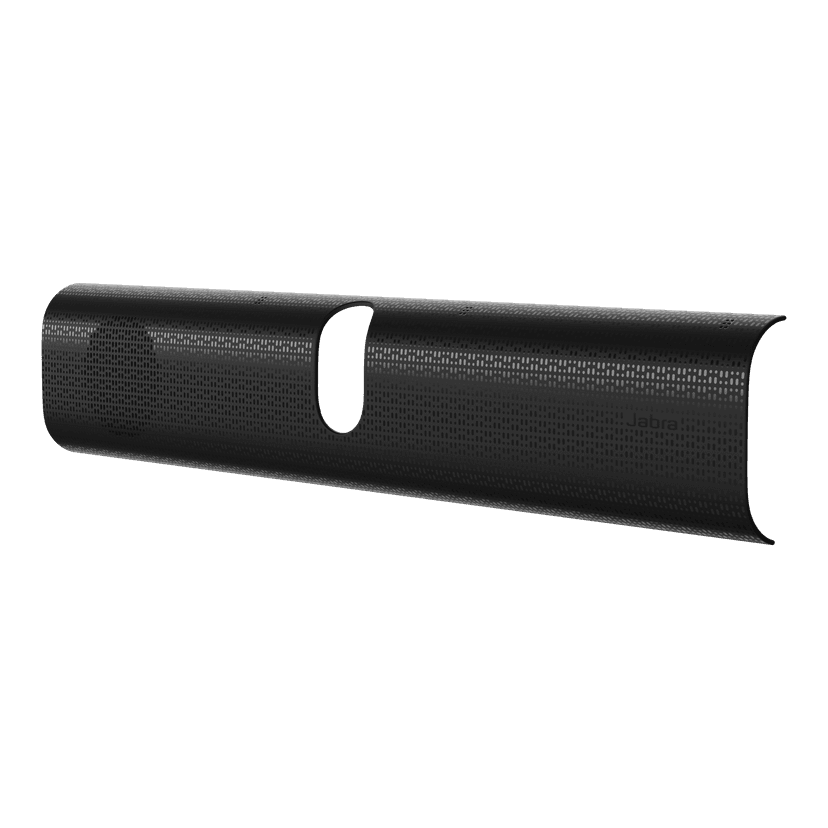
Jabra PanaCast 40 VBS Easy Clean Cover
x xxx,xx xx(x xxx,xx xx x xxx xxx)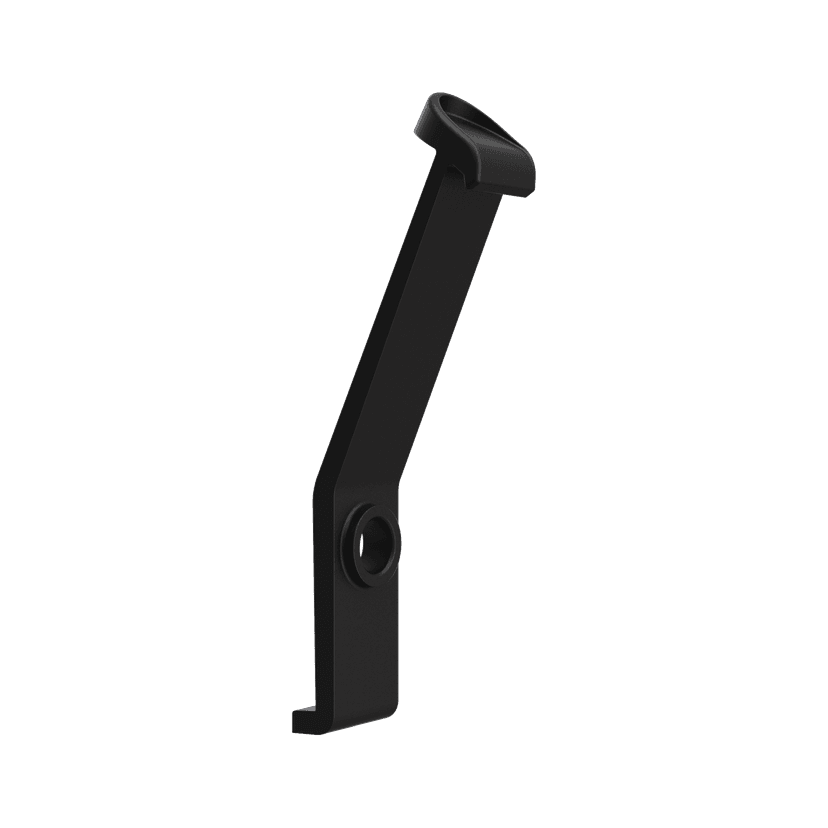
Jabra PanaCast 40 VBS ADA Mount
x xxx,xx xx(x xxx,xx xx x xxx xxx)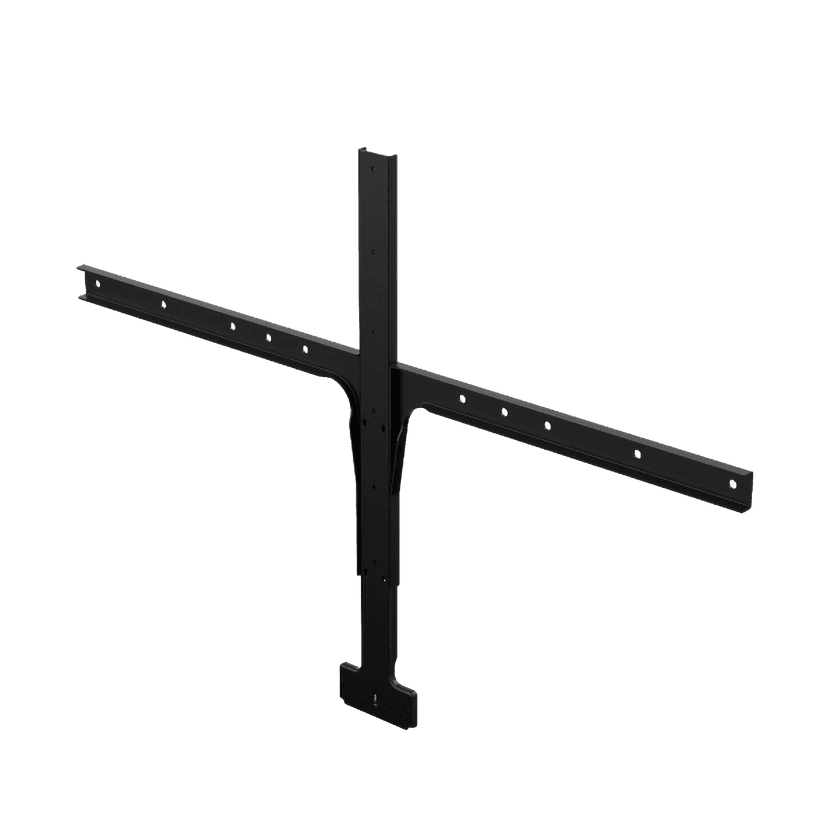
Jabra Large Screen Mount
x xxx,xx xx(x xxx,xx xx x xxx xxx)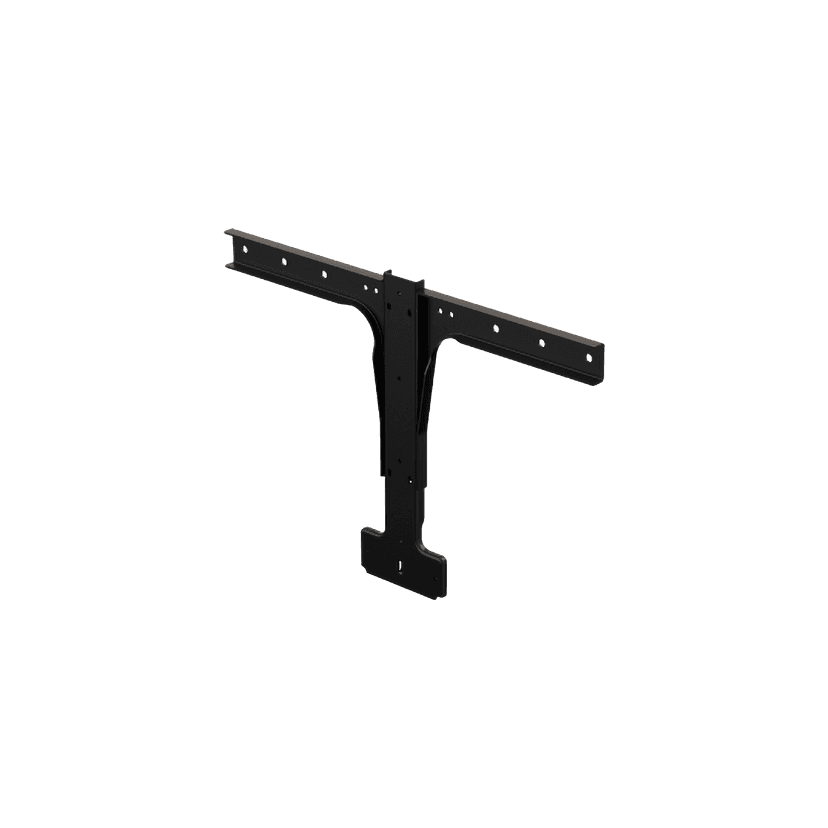
Jabra Small Screen Mount
x xxx,xx xx(x xxx,xx xx x xxx xxx)
本产品与下列设备或系统兼容
软电话:
兼容
座机:
不兼容
手机/平板电脑:
不兼容
兼容性指南
为您的设备找到合适的Jabra产品